
Choose a color. Make it yours.
Color by number and turn your own photos and ideas into coloring pages.
Download on the App StoreIn-app purchases available.
Some features require a purchase. Check current AI generation access in the app.
Pick a page. Add your color.
Color in the app or create a page from your own photo.
A little time for color.
Choose a page
Open a coloring page in Tinta.
Match the number
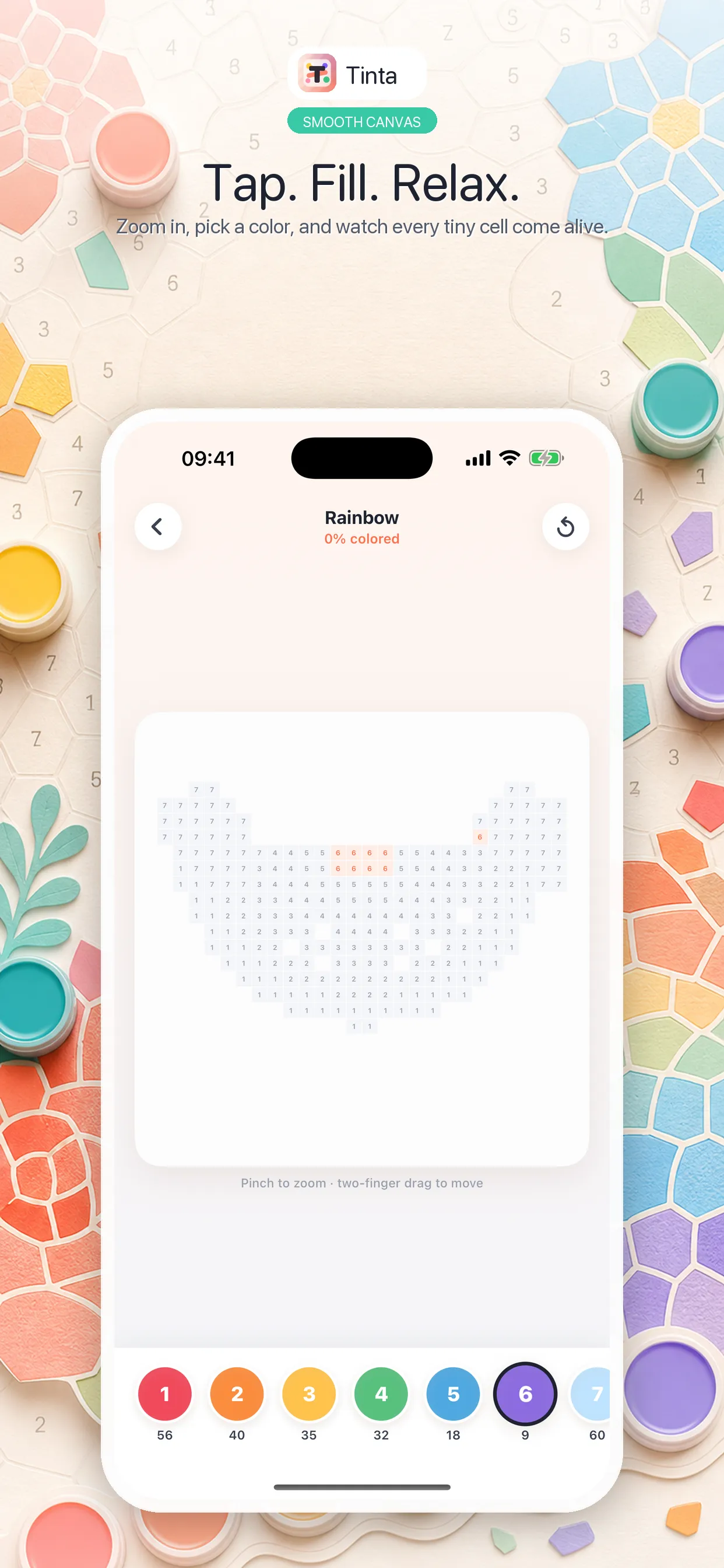
Select a color and tap its matching areas.
Keep your artwork
Find completed work in the app library.
App Store artwork. Available features depend on the current offer.
Start with your own photo.
Explore the available photo styles and review the result before coloring.
Read the coloring guidesA few tips for your next page.
Before you start coloring.
Need help? Visit Support.
Can I color on this website?
Use the Tinta app to color and create pages. This website provides product information and guides.
Are all features free?
Some features require an in-app purchase. Review current access and pricing in the app before buying.